My STL Viewer
Check your print before you print it.
Open an STL file and see it in 3D straight away. My STL Viewer loads models from your phone, Downloads or cloud storage, centres and sizes them to fit, and lets you spin and zoom with your fingers. Handy for checking a model from Thingiverse or Printables before sending it to the printer.
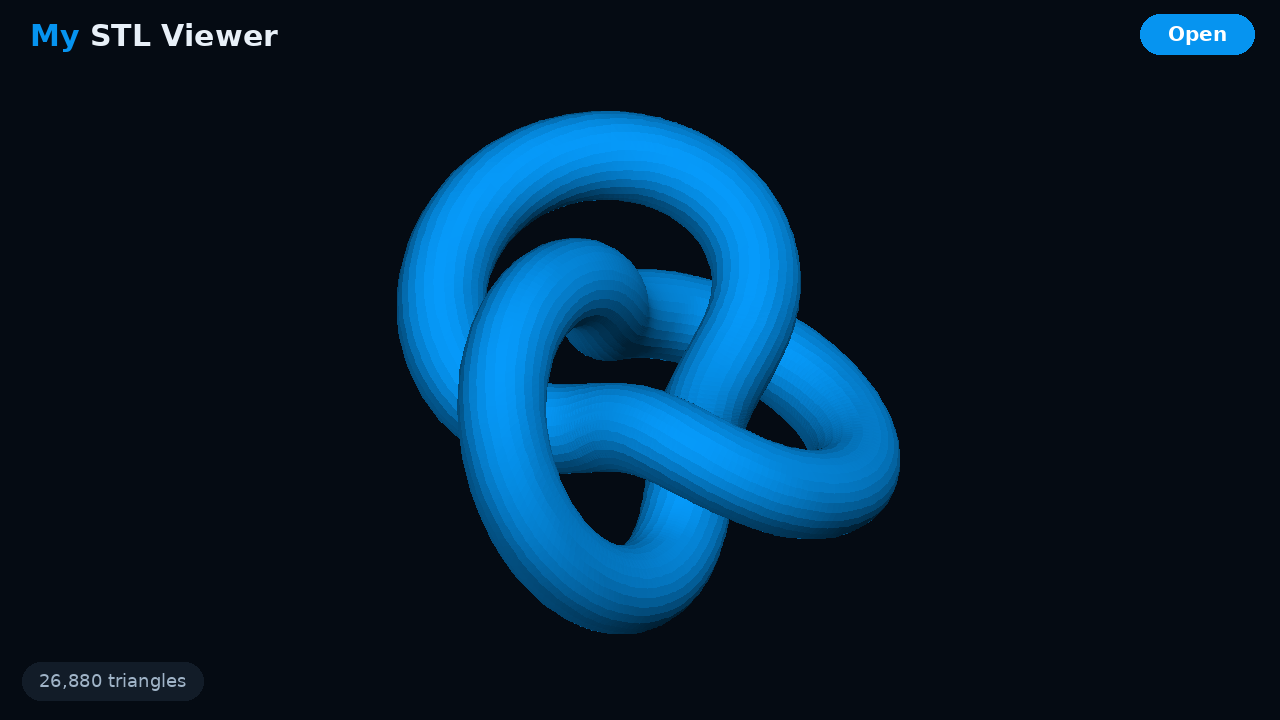
Simple, quick, private
One job, done well: open a model and look at it properly.
Open From Anywhere
Uses Android's own file picker, so you can open models from your phone, Downloads, Google Drive or any other storage app.
Binary & ASCII STL
Reads both kinds of STL file, the two formats slicers and model sites export.
Auto-Fit
Every model is centred and scaled to fill the screen, whatever units it was made in.
Spin & Pinch
Drag with one finger to rotate and pinch to zoom in on the details.
Clear Shading
Smooth two-light shading shows the shape and surface of a model clearly, with a triangle count so you know how detailed it is.
No Permissions
No storage permission, no internet access, no account and no ads. You only open the files you choose.
Want to try My STL Viewer?
Register as a tester and you'll be contacted when a test build is ready.