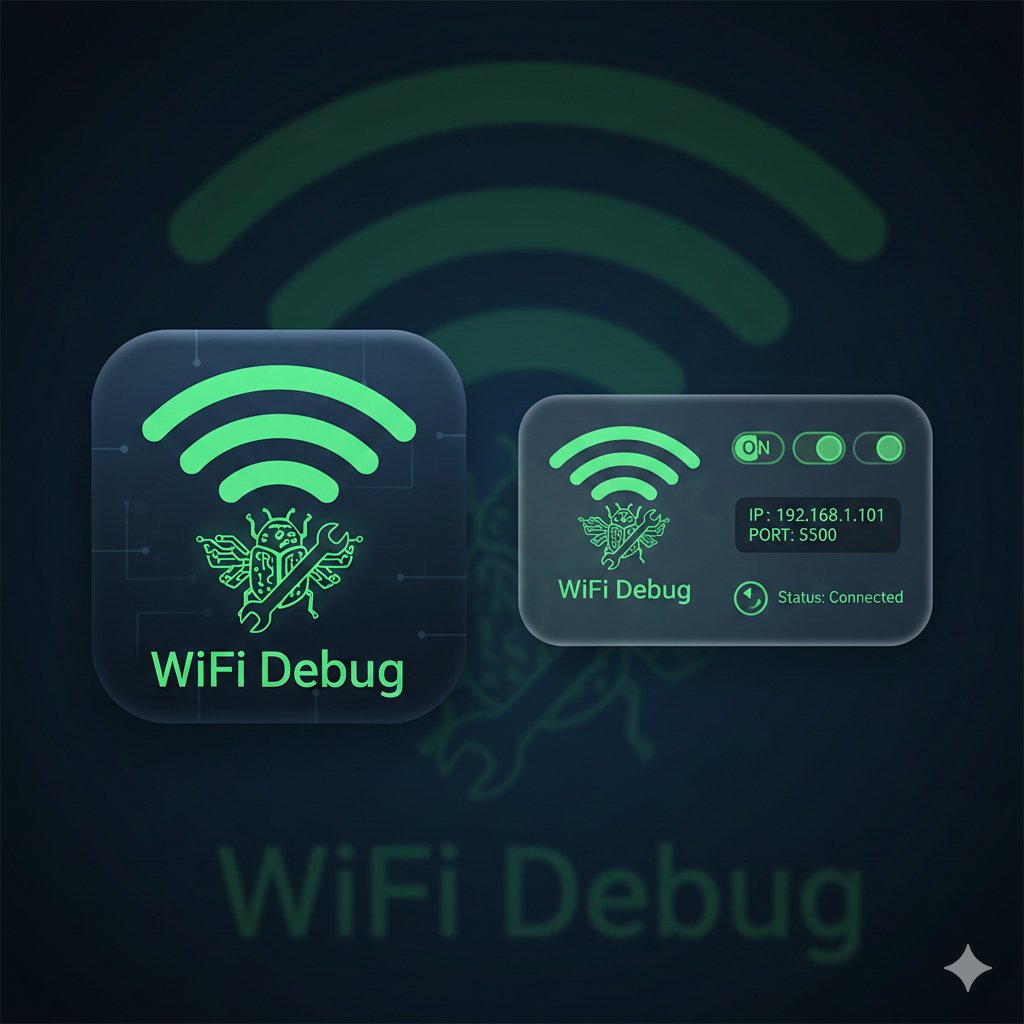
WiFi Debug
ADB over WiFi in one tap. A home screen widget and quick-tile for Android developers — shows your device IP, port and connection status at a glance. No more typing adb connect every session.
Stop Typing adb connect
Every dev session on a new network means finding your IP, remembering the port, and running the same adb command. WiFi Debug handles all of that — from your home screen.
Developer First
Home Screen Widget
Glanceable widget shows current IP, port and connection status. One tap to connect. Works from your home screen without opening the app.
Quick Settings Tile
Add WiFi Debug to your quick settings panel. Toggle wireless debugging on and off from the notification shade in one tap.
Auto IP Detection
Automatically detects your device's current local IP address. No need to dig through Settings → About → Status every session.
One-Tap ADB Connect
Copies the adb connect command to clipboard, or opens a companion PC app that connects automatically over the local network.
Connection Status
Live connection indicator — shows whether ADB over WiFi is active, the port number and whether a desktop is currently connected.
Network-Aware
Detects WiFi network changes and updates the IP automatically. Works reliably across different networks and DHCP leases.
Be First to Try It
WiFi Debug is aimed at Android developers. Register your interest and you'll be among the first invited when beta testing opens.
Register Interest
We'll contact you when beta testing opens.